iPhone camera covers protect against potential unauthorized access through malware or hacking, addressing growing privacy concerns among users. These accessories range from ultra-thin adhesive shields to clip-on protectors, though they’ll disable Face ID when covering the front camera. While iOS includes built-in privacy indicators like the green dot showing active camera use, many prefer the physical security of mechanical blocking. Security experts recommend combining both digital controls and physical covers for maximum protection against surveillance threats.
Key Takeaways
- Stick-on covers, decorative stickers, and clip-on covers provide physical privacy protection for iPhone cameras against potential hacking or unauthorized access.
- Camera covers that block the TrueDepth camera will disable Face ID, Attention Aware features, Animoji, and Portrait Mode functionality.
- Ultra-thin plastic shields and removable adhesive dots offer minimal thickness, while tempered glass and aluminum alloy provide premium protection.
- Clean the camera area thoroughly before installation and apply gentle pressure from the center outward for proper adhesion without residue.
- Workplace security policies may restrict camera covers, while professionals handling confidential information often require them for client privacy protection.
Why People Choose to Cover Their Iphone Cameras
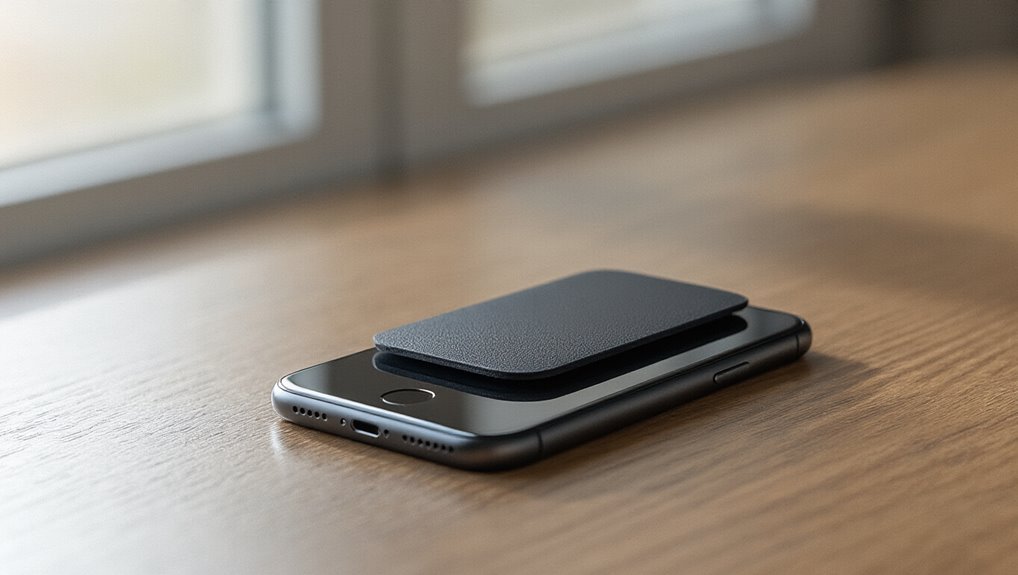
When privacy concerns hit the headlines, iPhone users often reach for the simplest solution: covering their cameras. They’re worried about unauthorized access through malware or hacking attempts that could activate cameras without their knowledge. High-profile cases of surveillance and data breaches have intensified these fears, making camera covers a popular defensive measure.

Personal preferences also drive this trend. Some individuals feel uncomfortable knowing their device’s camera could theoretically capture them at any moment. They’ll use tape, sliding covers, or stick-on blockers to maintain control over when they’re visible.
Professional environments often encourage this practice, especially when handling sensitive information or conducting confidential meetings.
Security experts remain divided on the necessity. While they acknowledge that sophisticated attacks can compromise cameras, they note that iOS’s built-in security features and indicator lights provide substantial protection.
Nevertheless, for many users, the peace of mind that comes from physically blocking the camera outweighs any inconvenience.

Types of Camera Covers Available for Iphones
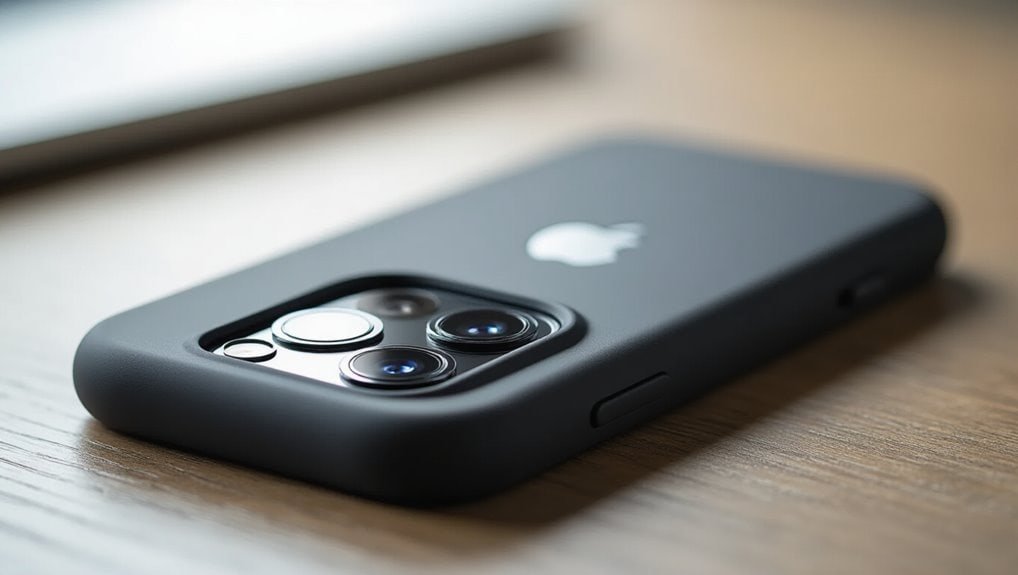
Stick-on covers represent the simplest lens protection options available:
- Ultra-thin plastic shields that won’t interfere with phone cases
- Removable adhesive dots that leave no residue when peeled off
- Decorative stickers that double as privacy protection
Clip-on covers offer the most robust solution for those who frequently switch between devices.
They’re typically made from durable plastic or metal and attach securely to the phone’s edge without adhesives.
While they’re bulkier than other options, they provide superior protection against scratches and impacts.
Many users appreciate that clip-on models don’t require commitment since they’re easily transferable between different iPhone models.
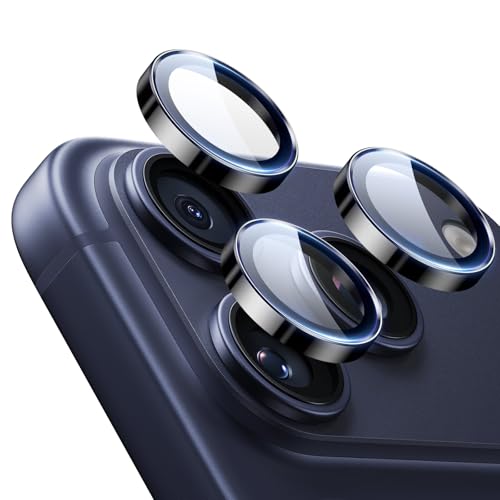
![Ailun 3 Pack Screen Protector for iPhone 16 Pro Max [6.9 inch] + 3 Pack Camera Lens Protector with Installation Frame,Sensor Protection,Dynamic Island Compatible,Case Friendly Tempered Glass Film](https://m.media-amazon.com/images/I/51wf7zaSIPL._SS520_.jpg "Top Iphone Cover Camera with Camera Protection - 51wf7zaSIPL. SS520 - Sale is Live - 2026")
![CloudValley Webcam Cover Slide[2-Pack], 0.023 Inch Ultra-Thin Metal Web Camera Cover for Macbook Pro, iMac, Laptop, PC, iPad Pro, iPhone 8/7/6 Plus, Protect Your Visual Privacy [Black]](https://m.media-amazon.com/images/I/41PXfQ8766L._SS520_.jpg "Top Iphone Cover Camera with Camera Protection - 41PXfQ8766L. SS520 - Sale is Live - 2026")

![amFilm Auto-Alignment OneTouch for iPhone 16 Pro Max [6.9''] Screen Protector + Camera Lens Protector, Tempered Glass, 30 seconds Installation, Bubble Free, Case Friendly, Anti-Scratch [2+2 Pack]](https://m.media-amazon.com/images/I/41NTZqFIyOL._SS520_.jpg "Top Iphone Cover Camera with Camera Protection - 41NTZqFIyOL. SS520 - Sale is Live - 2026")


![UniqueMe for 3 Pack iPhone 16 Pro/iPhone 16 Pro Max Camera Lens Protector - [Drop Protection] [Case Friendly] 9H Tempered Glass Camera Cover Screen [Update New Version]](https://m.media-amazon.com/images/I/51VA+7TLJDL._SS520_.jpg "Top Iphone Cover Camera with Camera Protection - 51VA+7TLJDL. SS520 - Sale is Live - 2026")


Built-In Privacy Features Vs Physical Camera Covers
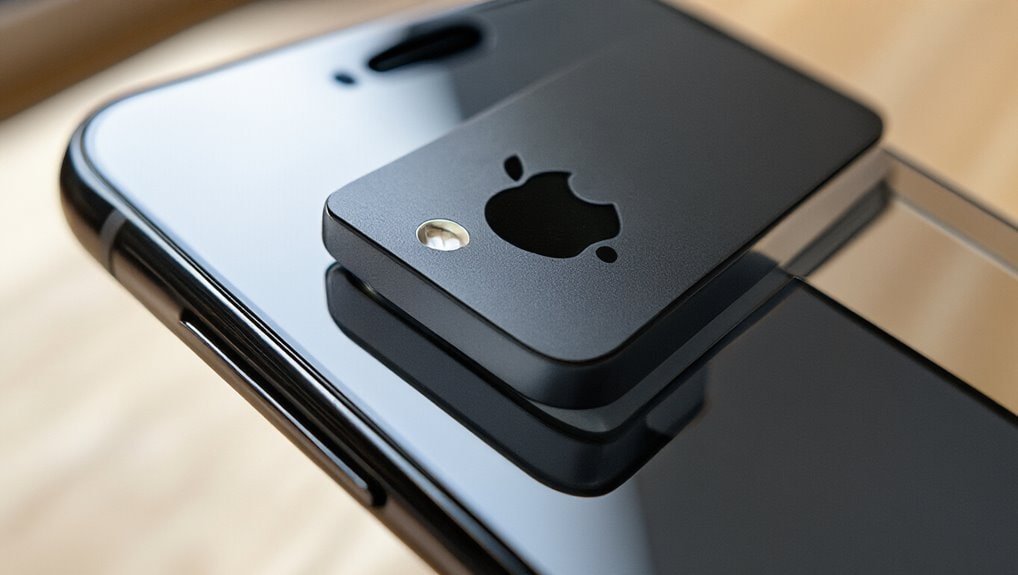
Although Apple’s iOS includes privacy indicators and permission controls, they don’t match the absolute certainty that physical camera covers provide. The green dot indicator shows when an app’s using the camera, but it won’t prevent unauthorized access if malware bypasses these safeguards. Users must trust that software restrictions work flawlessly every time.
Physical camera covers eliminate privacy concerns through mechanical blocking. They’re foolproof—when the cover’s closed, no app or hacker can capture images. This tangible solution appeals to users who don’t want to rely solely on digital protections.
User preferences vary considerably between these approaches. Tech-savvy individuals might trust Apple’s built-in features, appreciating the seamless experience without additional accessories.
Others prefer the peace of mind that comes with physically blocking their camera lens. Security experts often recommend layering both methods: using iOS permissions as the first defense while adding a physical cover for situations requiring absolute privacy. This combination addresses different threat levels effectively.
How Camera Covers Affect Face ID and Other Iphone Features
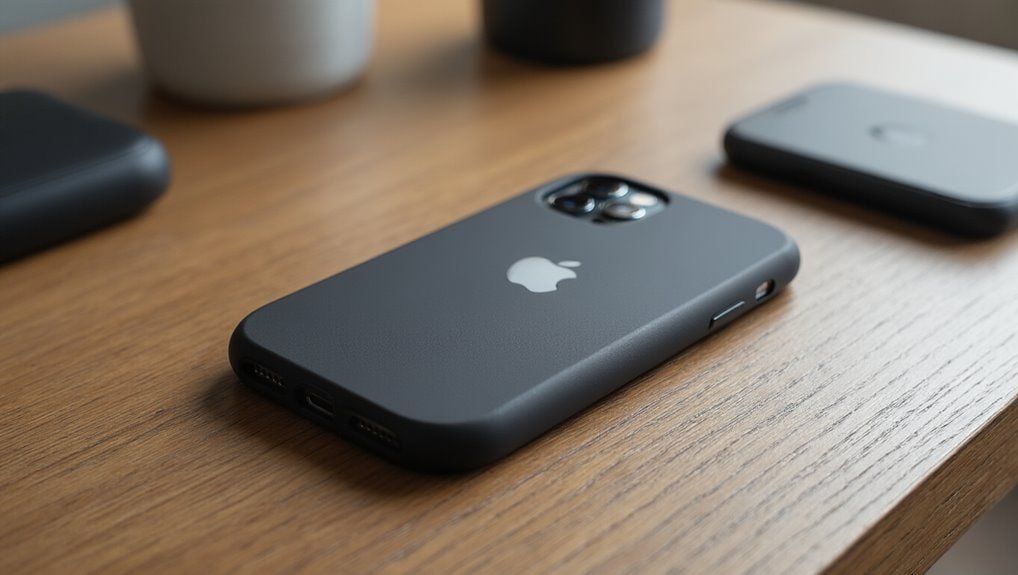
Since Face ID relies on the TrueDepth camera system located in the iPhone’s notch, camera covers can interfere with this authentication method if they obstruct the infrared camera or dot projector. Users who prioritize privacy concerns must balance their need for camera functionality with security preferences.
Physical camera covers impact several iPhone features:
- Face ID Authentication – Covers blocking the TrueDepth camera disable facial recognition entirely.
- Attention Aware Features – The screen won’t dim or notifications won’t expand when covered.
- Animoji and Portrait Mode – Front camera features become unusable with covers applied.
Many user experiences reveal frustration when forgetting to remove covers before accessing their devices. They’ll repeatedly attempt Face ID authentication before remembering the obstruction.
Some users apply covers only to the rear cameras, preserving Face ID while addressing privacy concerns about unauthorized recording. Others choose sliding covers that they can quickly adjust when needed.
The trade-off between convenience and privacy protection remains a personal decision each iPhone owner must make.
Best Materials and Designs for Iphone Camera Protection
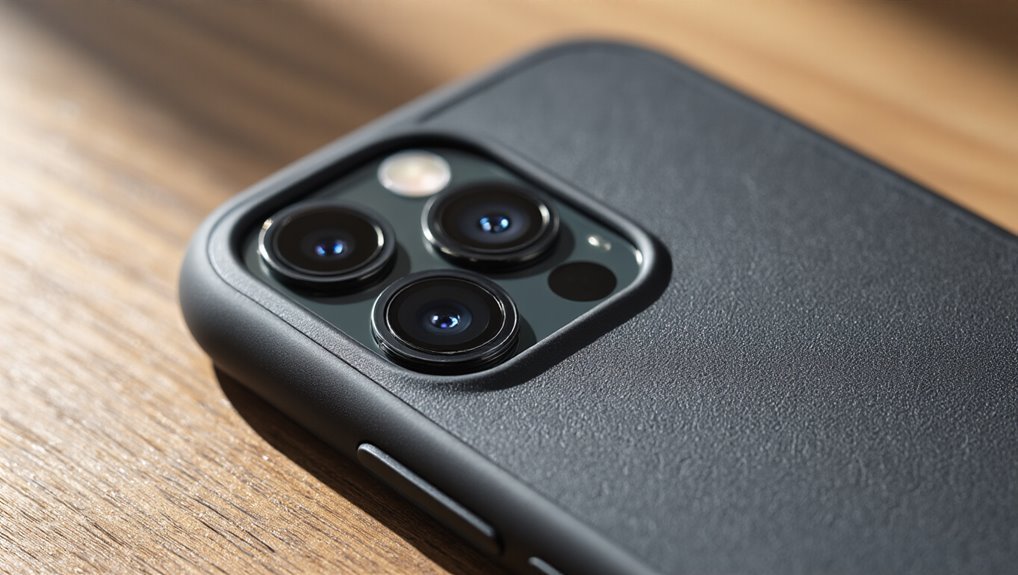
Finding the right camera cover means selecting materials that won’t damage the iPhone’s delicate lens coating while providing reliable protection. Today’s market offers various options that’ve undergone extensive durability testing to guarantee they won’t scratch or leave residue on camera lenses.
| Material Type | Key Benefits |
|---|---|
| Tempered Glass | Scratch-resistant, crystal-clear visibility |
| Aluminum Alloy | Lightweight, premium feel |
| Silicone | Flexible, shock-absorbing |
| Polycarbonate | Impact-resistant, affordable |
| Ceramic | Ultra-hard, heat-resistant |
Current design trends emphasize minimalist sliding covers that integrate seamlessly with iPhone aesthetics. Magnetic attachments’ve gained popularity since they’re easy to remove for cleaning. Some manufacturers incorporate nano-coating technology that repels fingerprints and moisture.
The most effective designs feature precision-cut openings that don’t interfere with wide-angle or telephoto lenses. Spring-loaded mechanisms guarantee smooth operation without wearing out over time. Premium options include metal rings that double as lens protectors and grip enhancers, addressing multiple user needs simultaneously.
Installing and Removing Camera Covers Without Damage
Users can protect their iPhone cameras without causing damage by following proper installation and removal techniques for camera covers.
They’ll need to clean the lens area thoroughly before applying the cover, ensuring perfect alignment to avoid trapped air bubbles or misplaced adhesive.
When it’s time to remove the cover, they should use gentle heat from a hair dryer and slide dental floss beneath the edges rather than pulling directly, which prevents lens scratches and adhesive residue.
Safe Removal Techniques
When removing an iPhone camera cover, proper technique prevents scratches, adhesive residue, and lens damage that can affect photo quality. Users should start by warming the cover’s edges with a hair dryer on low heat for 10-15 seconds, which softens the adhesive for easier removal.
The safest adhesive removal method involves:
- Sliding dental floss beneath the cover’s edge while pulling gently upward
- Using plastic pry tools instead of metal objects for surface protection
- Applying isopropyl alcohol with cotton swabs to dissolve stubborn residue
After removal, they’ll need to clean the lens area thoroughly. A microfiber cloth dampened with lens cleaner removes any remaining adhesive without scratching.
If residue persists, letting adhesive remover sit for 30 seconds before wiping guarantees complete removal while maintaining the iPhone’s pristine camera surface.
Proper Installation Steps
Three essential steps guarantee successful camera cover installation without damaging the iPhone’s delicate lens system.
First, users should clean the camera area thoroughly with a microfiber cloth and isopropyl alcohol, removing all dust particles and fingerprints. This guarantees proper adhesion and prevents trapped debris from scratching the lens.
Second, they’ll need appropriate installation tools like precision tweezers and alignment guides included with quality camera cover materials. These tools help position the cover accurately without touching the adhesive surface with fingers.
Third, installers must apply gentle, even pressure from the center outward when securing the cover. This technique eliminates air bubbles and guarantees complete adhesion.
Premium camera cover materials often feature repositionable adhesive, allowing one adjustment attempt if initial placement isn’t perfect. Following these steps protects the iPhone’s camera while maintaining photo quality.
When You Should Actually Cover Your Iphone Camera
Although most iPhone users won’t face targeted surveillance, certain situations genuinely warrant covering the camera. People handling sensitive information should prioritize camera security, especially when privacy concerns extend beyond typical usage scenarios.
Users should consider covering their iPhone camera when:
- Working with confidential data – Lawyers, doctors, and financial professionals who handle client information need extra protection against potential breaches.
- Traveling to high-risk locations – Countries with extensive surveillance programs or regions known for corporate espionage pose legitimate threats.
- Using public Wi-Fi networks – Unsecured connections increase vulnerability to hackers who might attempt remote camera access.
Activists, journalists covering sensitive topics, and executives discussing trade secrets also benefit from physical camera barriers.
While Apple’s built-in security measures provide strong protection, covering the camera adds an extra layer of defense when stakes are high.
It’s not paranoia when genuine risks exist—it’s prudent security practice for those whose work or circumstances demand enhanced privacy protection.
Common Mistakes to Avoid With Camera Cover Usage
Many iPhone users make preventable errors when they apply camera covers to their devices.
They’ll often leave adhesive residue on the lens after removal, accidentally block the flash with oversized covers, or choose covers that don’t properly fit their specific iPhone model.
These mistakes can damage the camera system or render the cover ineffective at protecting privacy.
Leaving Residue Behind
When users remove their iPhone camera covers, they often discover sticky residue that’s difficult to clean off the lens. This adhesive buildup can blur photos and damage the camera’s coating if not addressed properly.
Different residue types require specific cleaning approaches to avoid permanent marks.
Common residue removal methods include:
- Isopropyl alcohol (70%) – Apply with a microfiber cloth for stubborn adhesive
- Lens cleaning solution – Safer for coated surfaces and prevents streaking
- Adhesive remover tape – Gently lifts residue without liquid chemicals
Users shouldn’t scrape residue with sharp objects or use acetone-based cleaners. These aggressive methods’ll scratch the lens permanently.
Instead, they should apply gentle circular motions with appropriate solvents.
Prevention’s key—choosing quality camera covers with residue-free adhesive saves cleaning hassles later.
Blocking Flash Accidentally
How often do iPhone users wonder why their flash photos look dim or completely dark? They’ve likely experienced flash interference from their camera cover without realizing it.
When users apply sliding or flip-style camera covers, they sometimes forget to fully open them before taking photos with flash. This accidental obstruction blocks the LED flash that’s positioned near the camera lens, resulting in poorly lit or completely dark images.
The problem’s especially common during spontaneous photo moments when users quickly grab their phones. They’ll open the camera app but won’t notice the cover’s still partially closed.
Some adhesive covers can also shift position over time, gradually moving to block the flash. Users should always check that both the camera lens and flash are completely unobstructed before shooting, particularly in low-light situations where flash photography is essential.
Using the Wrong Size
Although camera covers seem like one-size-fits-all accessories, selecting the wrong dimensions can create multiple problems for iPhone users.
When they’re using the wrong size cover, they’ll face issues that compromise both protection and functionality.
An improperly fitting cover leads to several complications:
- Adhesive failure – Covers that don’t match the camera’s dimensions won’t stick properly and they’ll peel off within days.
- Image interference – Oversized covers partially block the lens, creating dark corners or blurry edges in photos.
- Case incompatibility – Thick or misaligned covers prevent phone cases from sitting flush against the device.
Users should measure their camera module before purchasing.
Each iPhone model has different camera configurations, and what works for an iPhone 12 won’t necessarily fit an iPhone 14 Pro’s larger camera system.
Impact on Photo and Video Quality With Different Cover Types
Three main factors determine how iPhone cases affect camera performance: the material’s optical properties, the precision of camera cutouts, and the thickness around the lens area.
Clear plastic and glass cases typically maintain photo clarity better than frosted or textured materials that can scatter light entering the lens. Cases with raised edges around cameras provide protection but may create shadows or vignetting in wide-angle shots.
Thin silicone cases don’t impact video stability, while bulky rugged cases can interfere with optical image stabilization systems. Metal cases sometimes cause electromagnetic interference that affects autofocus speed and accuracy.
Cases with poor cutout alignment force users to shoot at angles, degrading image quality. Wallet cases with flip covers often block flash effectiveness, creating uneven lighting. They’ll also prevent quick camera access for spontaneous shots.
Premium cases feature precision-engineered cutouts that don’t obstruct any lens elements, maintaining the iPhone’s original camera capabilities without compromise.
Legal and Workplace Considerations for Camera Covering
When employees cover their iPhone cameras in workplace settings, they’re traversing complex territory between personal privacy rights and employer security policies.
Many organizations now explicitly address camera covers in their device usage agreements, recognizing the growing tension between surveillance concerns and operational requirements.
The legal implications vary greatly across jurisdictions. Some states protect employees’ rights to modify personal devices, while others grant employers broader authority over company-issued phones.
Federal regulations don’t specifically address camera covering, leaving organizations to navigate murky waters.
Key considerations include:
- Security protocols – Certain facilities prohibit camera covers due to classified information handling requirements
- BYOD policies – Bring-your-own-device agreements often restrict modifications affecting functionality
- Industry regulations – Healthcare and financial sectors face unique compliance challenges regarding device modifications
Workplace privacy advocates argue that camera covers represent reasonable personal boundaries.
However, employers maintain they need unmodified devices for video conferencing and security authentication.
This ongoing debate continues shaping corporate technology policies nationwide.
Frequently Asked Questions
Can Camera Covers Trigger Iphone Warranty Void Issues?
Camera covers won’t typically void the iPhone warranty unless they cause physical damage.
Apple’s warranty policies don’t specifically prohibit external camera accessories.
However, if someone’s camera cover scratches the lens, cracks the glass, or causes internal damage, Apple may deny warranty claims related to those issues.
Camera modifications that permanently alter the device structure could void coverage, but removable stick-on covers generally don’t qualify as modifications under standard warranty terms.
Do Camera Covers Interfere With Wireless Charging Functionality?
Camera covers don’t interfere with wireless charging functionality since they’re positioned on the phone’s back camera area, while the wireless charging coil sits in the center-back portion of the device.
The thin profile of most camera covers won’t create camera interference or disrupt the charging process. Users can confidently use both features simultaneously without worry.
The cover’s location and minimal thickness guarantee it doesn’t block the electromagnetic field needed for wireless charging to work properly.
Will Covering Cameras Affect Iphone Resale or Trade-In Value?
Camera covers won’t typically affect iPhone resale value or trade-in value if they’re removed before selling.
However, if someone uses permanent adhesive covers that leave residue or damage the lens area when removed, they’ll decrease the device’s worth.
Apple and carriers inspect cameras during trade-in evaluations, so any scratches or sticky remnants from covers will lower the assessment.
Removable sliding covers that don’t leave marks won’t impact pricing.
Are There Camera Cover Options Specifically for Children’s Iphones?
Yes, several companies make camera covers designed for children’s iPhones.
Parents can find kid-friendly designs featuring cartoon characters, bright colors, and fun patterns that appeal to young users.
These covers often include enhanced durability options with shockproof materials and reinforced edges to withstand drops and rough handling.
Some brands offer sliding covers that won’t break easily, while others provide stick-on versions with child-safe adhesives that stay secure during active use.
Can Airport Security Require Removal of Iphone Camera Covers?
Airport security can’t typically require travelers to remove iPhone camera covers during screening.
Security protocols don’t classify these accessories as prohibited items, and they won’t interfere with X-ray machines.
However, TSA agents might request removal if they need to inspect the device more closely.
Airport regulations generally permit camera covers to remain attached during standard screening procedures.
Travelers should comply with any specific requests from security personnel to avoid delays.
Conclusion
Camera covers for iPhones aren’t just about paranoia—they’re practical privacy tools that millions now use daily. While Apple’s built-in features offer some protection, physical covers provide visible peace of mind. Users who’ve found the right balance between security and functionality know that a quality camera cover won’t interfere with their device’s performance. As privacy concerns grow, iPhone owners will continue seeking simple solutions that don’t compromise their phone’s capabilities or photo quality.

 Amazon.com
 Amazon.com
 Amazon.com
![amFilm Auto-Alignment OneTouch for iPhone 16 Pro Max [6.9''] Screen Protector +...](https://m.media-amazon.com/images/I/41NTZqFIyOL._SL500_.jpg "Top Iphone Cover Camera with Camera Protection - 41NTZqFIyOL. SL500 - Sale is Live - 2026") Amazon.com
Amazon.com Amazon.com
![CloudValley Webcam Cover Slide[2-Pack], 0.023 Inch Ultra-Thin Metal Web Camera Cover for...](https://m.media-amazon.com/images/I/41PXfQ8766L._SL500_.jpg "Top Iphone Cover Camera with Camera Protection - 41PXfQ8766L. SL500 - Sale is Live - 2026") Amazon.com
Amazon.com![Ailun 3 Pack Screen Protector for iPhone 16 Pro Max [6.9 inch]...](https://m.media-amazon.com/images/I/51wf7zaSIPL._SL500_.jpg "Top Iphone Cover Camera with Camera Protection - 51wf7zaSIPL. SL500 - Sale is Live - 2026")





The Best iPhone 17 Cases to Protect That Ultrawide Camera Bump IGN...
The 25 Best iPhone 16 and iPhone 16 Pro Cases for 2025 CNET...
This affordable case fixed the worst woe of iPhone’s Camera Control Digital Trends...
This Case Makes Your iPhone Look and Function Like a Vintage Camera PetaPixel...
The best iPhone 15 and iPhone 15 Pro cases in 2025 Macworld...
iPhone 17 Pro Max case fit test shows off biggest camera bump yet 9to5Mac...
Yet another iPhone 17 Pro case leak shows off camera bar design AppleInsider...
Retro compact cameras are hard to find. Is a modular retro iPhone case with real camera controls the next best thing? Digital Camera World...
iPhone 16 Pro Max Case: Cutout or No Cutout for the Camera Control Button? Programming Insider...
Hands-on: How iPhone 16 Cases Are Handling the Camera Control Button How-To Geek...